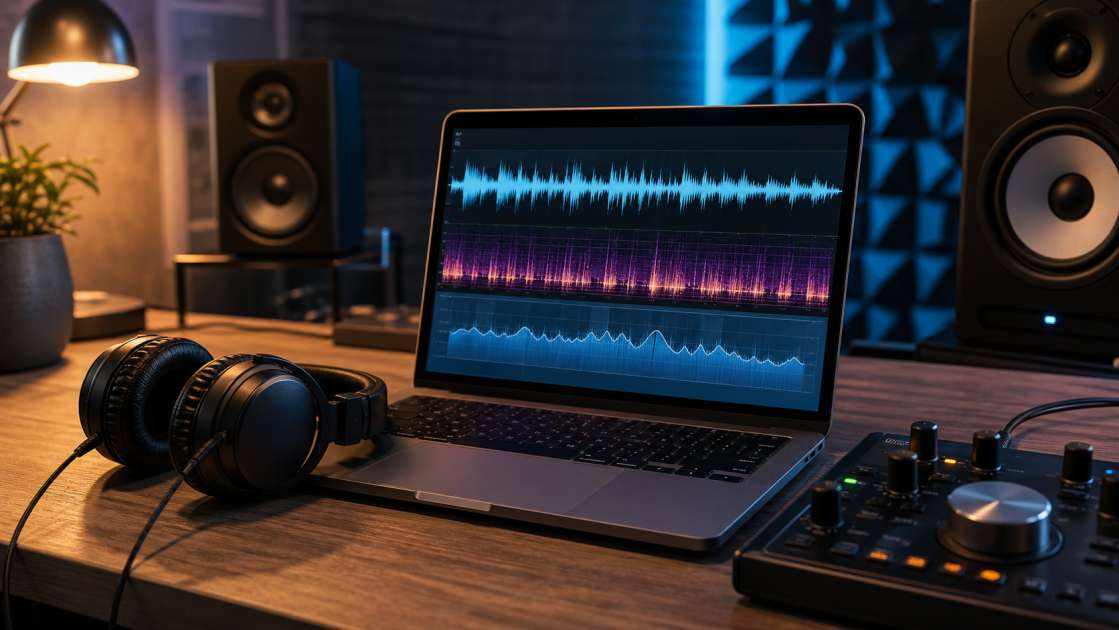
Last Tuesday, I sat there staring at my screen, headphones on, grinning like an idiot. Suno had just spat out a track that—for once—didn't sound like a drunk robot's fever dream. The melody was there, the vibe was right, the vocals didn't make me want to throw my laptop out the window. But then I played it next to an actual Spotify song, and my grin evaporated. My track sounded like it was recorded inside a shoebox filled with cotton wool. Quiet. Muddy. Amateur hour. So I did what any desperate bedroom producer does in 2026: I Googled "can online mastering fix my shitty AI track?"
In short: Online mastering can polish a decent Suno track into something Spotify-ready by fixing loudness and clarity, but it won't save fundamentally broken stems or garbage-quality files. Download your track as WAV, find a professional reference song in your genre, use a tool like Sunomaster.com, and keep your expectations realistic—it's an improvement tool, not a miracle worker. Budget maybe twenty minutes and zero dollars for the free version.
What is Online Mastering? Your Track's Final Polish
Think of mastering like Instagram filters, except for audio. You've got your raw photo—your mix—and it's fine, but it's flat. Mastering is where you crank up the contrast, adjust the saturation, and suddenly your mediocre sunset pic looks like it belongs in National Geographic. The Russian audio forums I stumbled through call it a "digital iron"—it smooths out the wrinkles in your frequency spectrum so nothing sticks out like a sore thumb.
The whole point is fourfold, and none of it is particularly sexy: First, it makes your track loud enough that it doesn't sound like a whisper next to Drake on your playlist. Second, it balances the frequencies so your bass doesn't rattle teeth and your highs don't sound like ice picks. Third, it pulls clarity and detail out of the sonic mush. Fourth—and this is where most DIY jobs fail—it makes sure your song doesn't sound like garbage on earbuds, then amazing on studio monitors, then like garbage again in your car. Consistency is the whole game.
LUFS is the unit everyone obsesses over now—it measures perceived loudness, not just raw volume. Streaming services want your track somewhere between minus-fourteen and minus-sixteen LUFS. Go louder and Spotify will turn you down automatically, making all your effort pointless. Go quieter and you'll sound like background music at a dentist's office. The target is narrow and unforgiving.
The Good News: What Online Mastering CAN Fix
Here's where I'll actually admit these tools aren't completely useless. If your Suno track is structurally sound but just sounds demo-ish or "dirty," online mastering can absolutely transform it into something you wouldn't be embarrassed to upload. I've watched it happen on my own files—before processing, my track sounded thin and lifeless; after, it had weight, presence, and that elusive "professional" sheen I couldn't name but definitely recognized.
The loudness thing is real. These tools will bring your volume up to competitive levels without making everything sound like a distorted mess. Suddenly your track feels denser, fuller, like it has actual authority instead of apologizing for existing. The clarity boost is even more noticeable—buried vocal details emerge, drum hits punch through instead of sitting politely in the background, and the whole thing just sounds more defined.
Frequency balancing is where the magic happens, when it works. If your highs are too sharp—that piercing quality that makes you wince—mastering can soften them. If your low end is anemic, it can add weight. But here's the key trick that actually works: mastering by reference. You upload your Suno track alongside a professionally mastered song in the same genre—a track you think sounds perfect. The AI analyzes that reference, figures out its sonic characteristics, and tries to make your track sound similar. It matches the EQ curve, the dynamics, the vibe. When I used a polished synthwave track as reference for my own synthwave disaster, the results were shockingly competent. When I lazily used a rock song for an electronic track, it sounded like the AI was having a stroke. The reference method isn't just helpful—it's the only approach that consistently produces usable results.
The Hard Reality: What Mastering CANNOT Rescue
Now for the bad news, which I learned the expensive way by wasting an entire evening trying to polish a turd. Mastering is not a miracle. It's not going to take your fundamentally broken AI slop and turn it into a hit record. If the foundation is rotten, no amount of digital polish will hide the smell.
The biggest issue with Suno tracks—and this comes up in every producer forum I've lurked in—is that the stems are cluttered. Suno doesn't generate perfectly clean, separated instrument tracks like a real recording session. Everything bleeds together. The bass has synth residue in it. The drums have vocal ghosts. One engineer I read put it bluntly: "It is nearly impossible to master a bass stem without interference from synths and vocals." When everything is tangled together at the source level, mastering tools can't untangle it. They can only make the whole mess louder and shinier.
If your original generation is fundamentally messy or fuzzy—like the AI just couldn't quite nail the sound—mastering will amplify those flaws, not hide them. It's like zooming in on a blurry photo. You don't suddenly see more detail; you just see bigger blobs. The garbage-in-garbage-out rule is iron law here. I once tried mastering a track I'd downloaded months ago as a low-quality MP3, maybe 128 kbps, because I'd lost the original. The mastered version sounded worse—this weird metallic ringing appeared in the high end, and there was a hiss I swear wasn't there before. You need to start with the highest quality file Suno will give you: WAV if possible, 320 kbps MP3 if not. Anything less and you're building a house on sand.
And if your track is clipping—if you see red indicators in an audio editor, if there's audible distortion—mastering can't fix that either. A clipped signal is broken data. No algorithm can reconstruct what was destroyed. I learned this when I tried to save a track I'd accidentally exported too hot. The mastering tool just made the distortion more pronounced and added a weird pumping effect. It was beyond saving.
Step-by-Step: How to Master Your Suno Track for Best Results
Assuming you haven't completely screwed up the generation phase, here's the process that's actually worked for me when I've bothered to do it properly instead of half-assing it at midnight.
Step one: Get the best source file you possibly can. Log into Suno, find your track, and download it as a WAV file. If WAV isn't an option for some reason, grab the highest quality MP3 available—320 kbps or nothing. I've made the mistake of using whatever file was easiest to find, and I've regretted it every single time. Quality at this stage is non-negotiable.
Step two: Check for clipping before you do anything else. Open the file in a free audio editor like Audacity and just look at the waveform. If it's a solid brick of sound with the peaks flatlined at the top and bottom, you're clipped and you're screwed. Also listen for obvious distortion. A slightly quieter track is infinitely better than a loud, distorted one. I'd rather manually turn up my volume knob than try to fix a broken file.
Step three: Choose your mastering tool. Sunomaster.com is free and purpose-built for Suno tracks, which is the only reason I'm mentioning it—I have no stake in their success or failure. There's also Neural Analog if your track needs actual restoration work or "super-resolution," whatever that marketing term means. I've used both. They work about as well as each other when the source file is decent.
Step four: Select a high-quality reference track, and for the love of God, make sure it's in the same genre. This is where most people fail. The reference must be professionally mastered—something from Beatport, Bandcamp, or ripped from a CD, not some YouTube rip. And it has to match your genre. I used a Daft Punk track to master a synthwave song once and it worked beautifully. I used a metal track to master a chill lo-fi beat and it sounded like a car accident. Genre matching isn't a suggestion; it's a requirement.
Step five: Upload and process. The interface is usually dead simple: upload your Suno WAV, upload your reference track, click the button, and wait. The AI does its thing—analyzing, adjusting, matching. It takes maybe a minute or two. Don't overthink this part.
Step six: Listen and compare on multiple devices. Don't just trust your studio headphones or laptop speakers. Play the before and after versions on cheap earbuds, on your phone speaker, in your car if you have one. If it sounds better everywhere, you've succeeded. If it only sounds better in one context, something went wrong and you need to try again with a different reference or accept that your source file was too flawed to save.
The Final Verdict: Is Online Mastering a Hero for Suno Tracks?
After wasting more hours on this than I care to admit, here's what I've concluded: online mastering is an improvement tool, not a rescue service. It's not going to save your disaster tracks, but it will make your decent tracks actually competitive.
It's best for taking a well-generated Suno idea—something that has the bones of a good song but sounds demo-like—and transforming it into something polished, loud, and ready for Spotify. It handles the technical grunt work of loudness optimization and frequency balancing so you don't have to learn a professional DAW just to make your track not sound embarrassing next to real releases.
It's not for fixing tracks with deep structural problems like cluttered stems or poor initial sound quality. In those cases, mastering just highlights the flaws. You'll hear the mess more clearly, not less. One brutally honest take I read summed it up: "Suno is fantastic for generating ideas but ineffective for professional tracks. The stems are cluttered, making mastering nearly impossible." That's harsh but mostly accurate. However—and this is the part that keeps me using Suno despite its flaws—with a high-quality source file and a good reference track, online mastering can serve as a genuinely useful final step in getting something usable out of this AI chaos.
It won't save every track. It won't turn you into a professional producer overnight. But if you use it intelligently—good source files, proper references, realistic expectations—it's one of the few tools that actually delivers on its promise to make your Suno experiments sound less like experiments and more like music.